




Skip to content

Systems Coordination

Coordination of systems for all construction sectors

System coordination reduces project risks, protects the budget, prevents costly rework and accelerates project implementation.

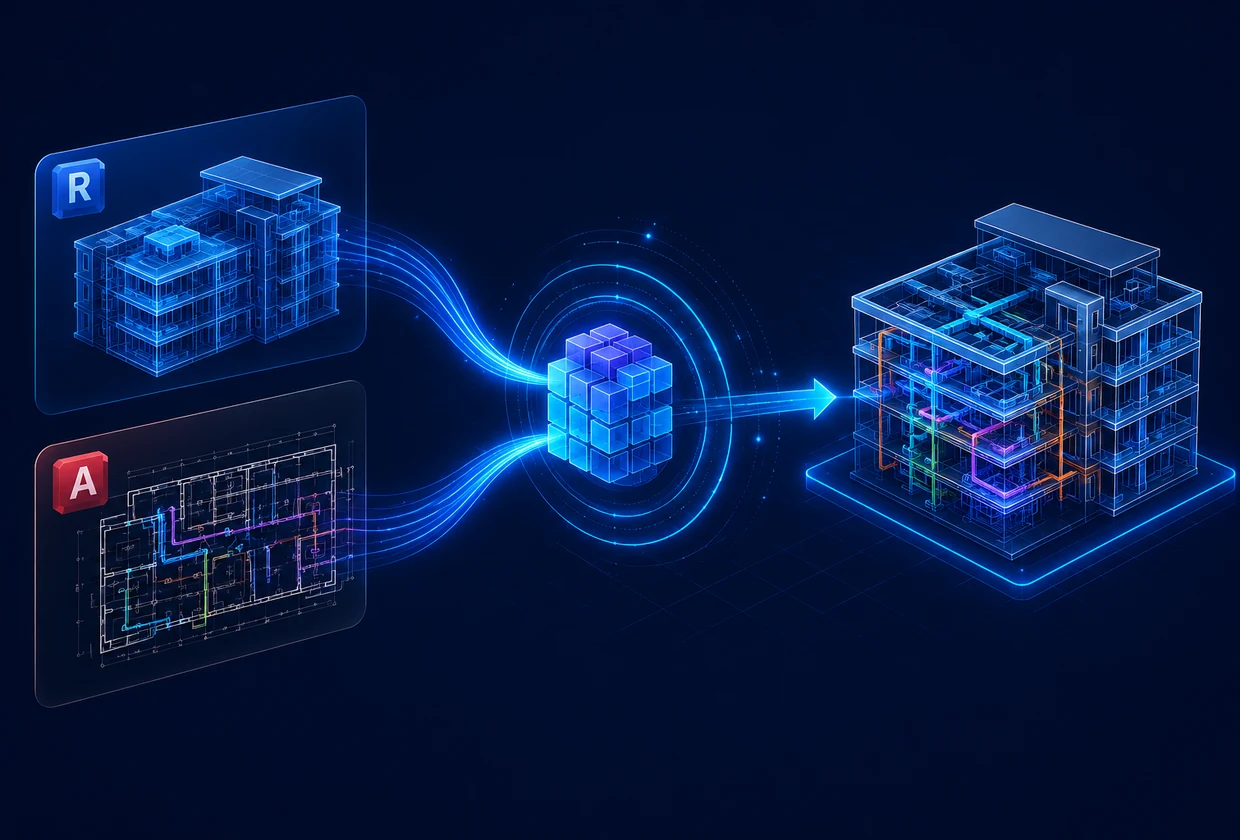
Ziggurat coordinates architectural, structural, and engineering (MEP) systems in a single Common Data Environment (CDE), identifies spatial and technical conflicts, and helps project teams develop the most effective engineering solutions before construction begins.

Coordination is available for

  • Projects based on Revit
  • 3D coordination for projects on AutoCAD (according to Revit standards) without additional payment
  • International standards
  • 1000+ coordinated projects in all areas of construction
  • Coordination of Revit and AutoCAD + hybrid approach

Our approach

Engineering approach
to BIM coordination

We go beyond the automated analysis of the BIM model. Our team of experienced architects and engineers develops technically sound engineering solutions to eliminate collisions and tests various implementation scenarios in the Shadow model even before making changes to the project.

What we check during system coordination

Coordination between all disciplines of the project

Technology of installation of engineering systems and equipment

Availability for operation and maintenance

Practical feasibility of project solutions

Definition

What is system coordination?

Systems Coordination is a structured process to review and agree architectural, structural and engineering (MEP) models before construction begins.

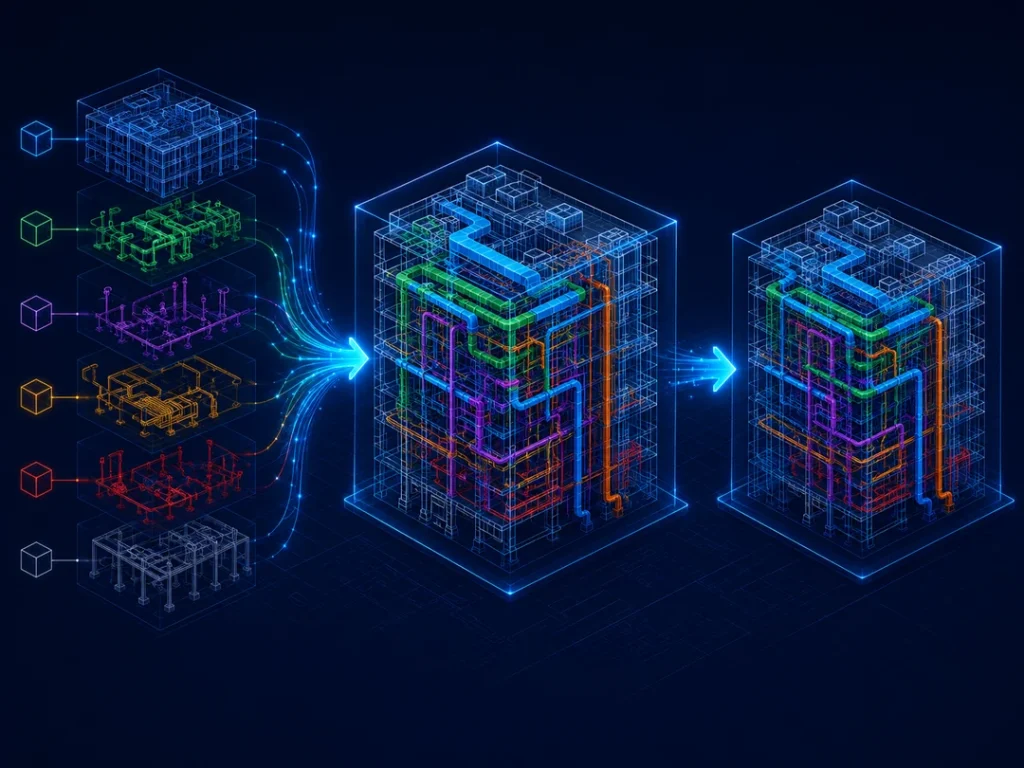
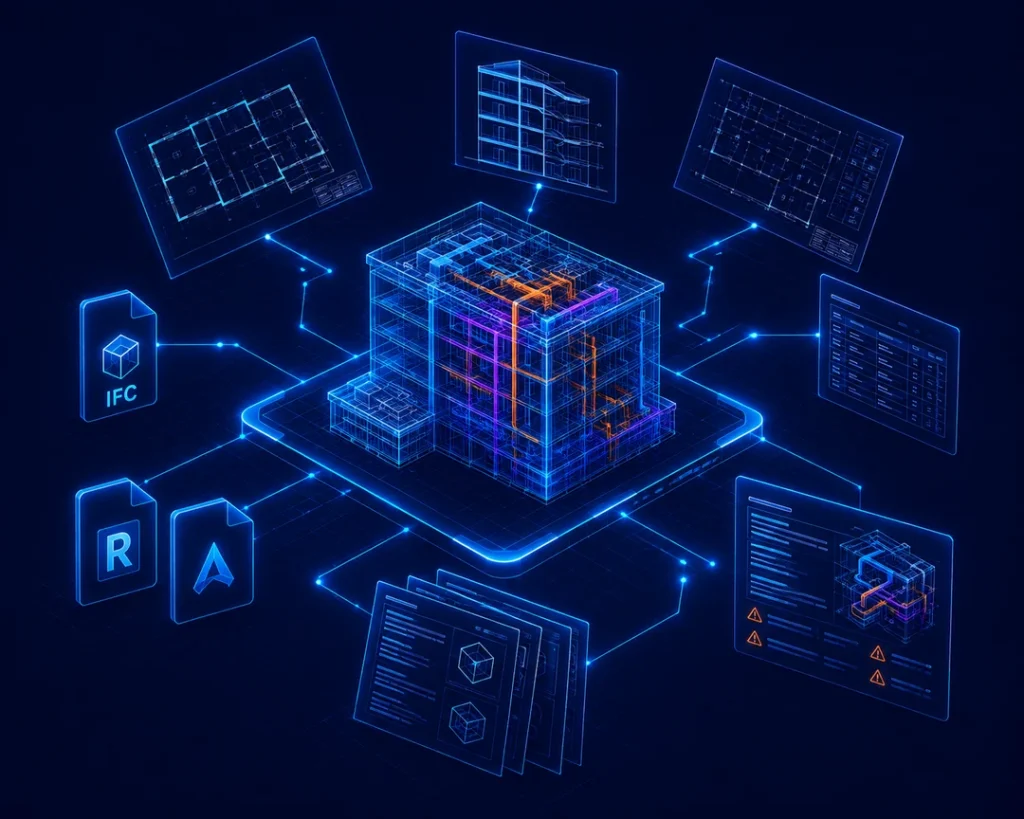
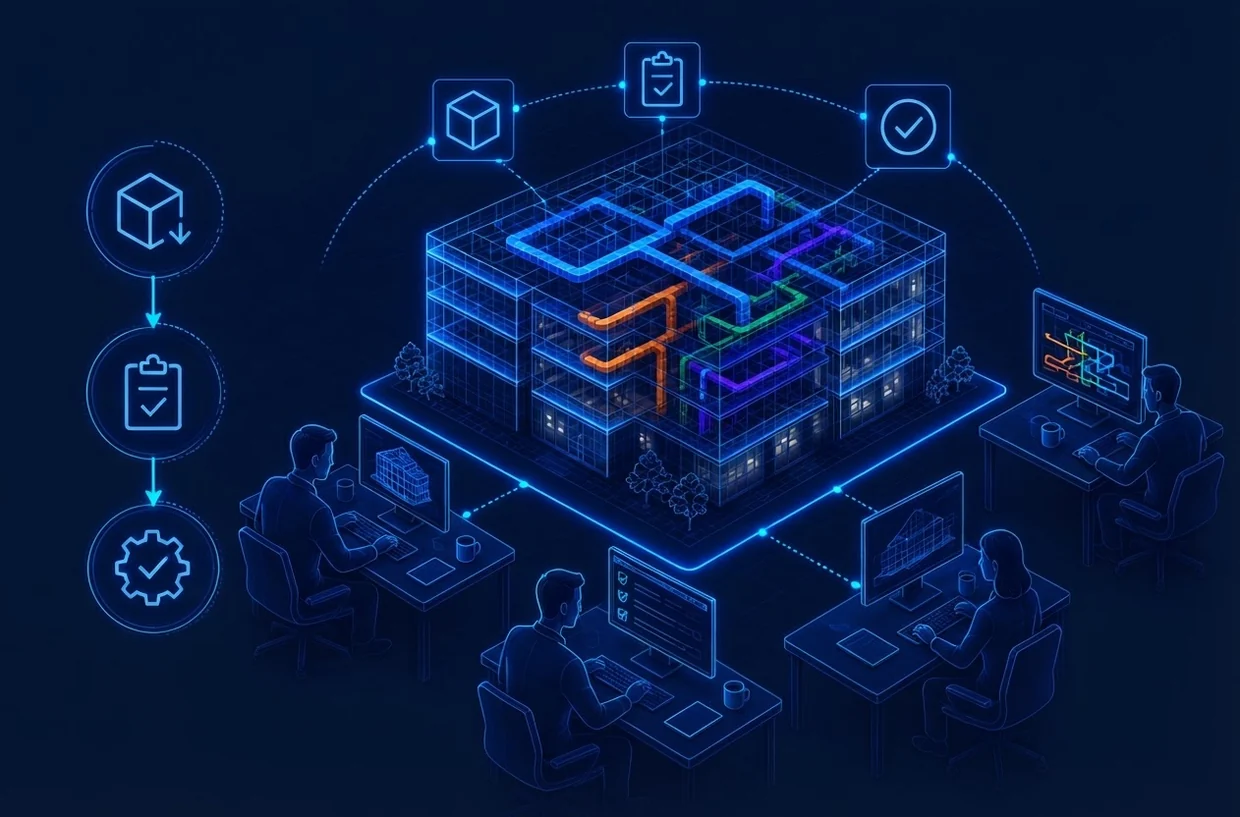
Models of various disciplines are combined into a federated model in a single Common Data

Environment (CDE), where the project team analyzes:

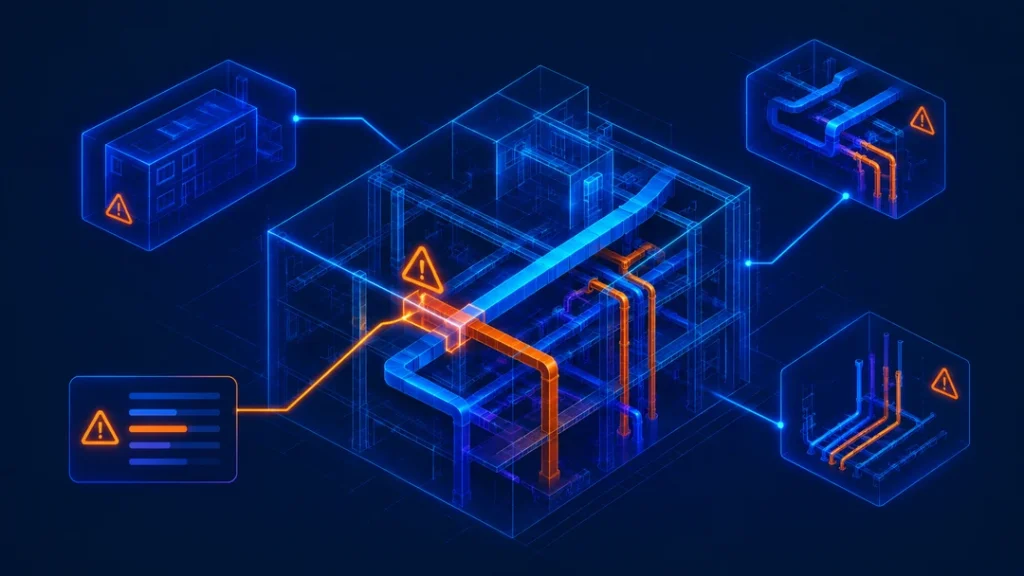
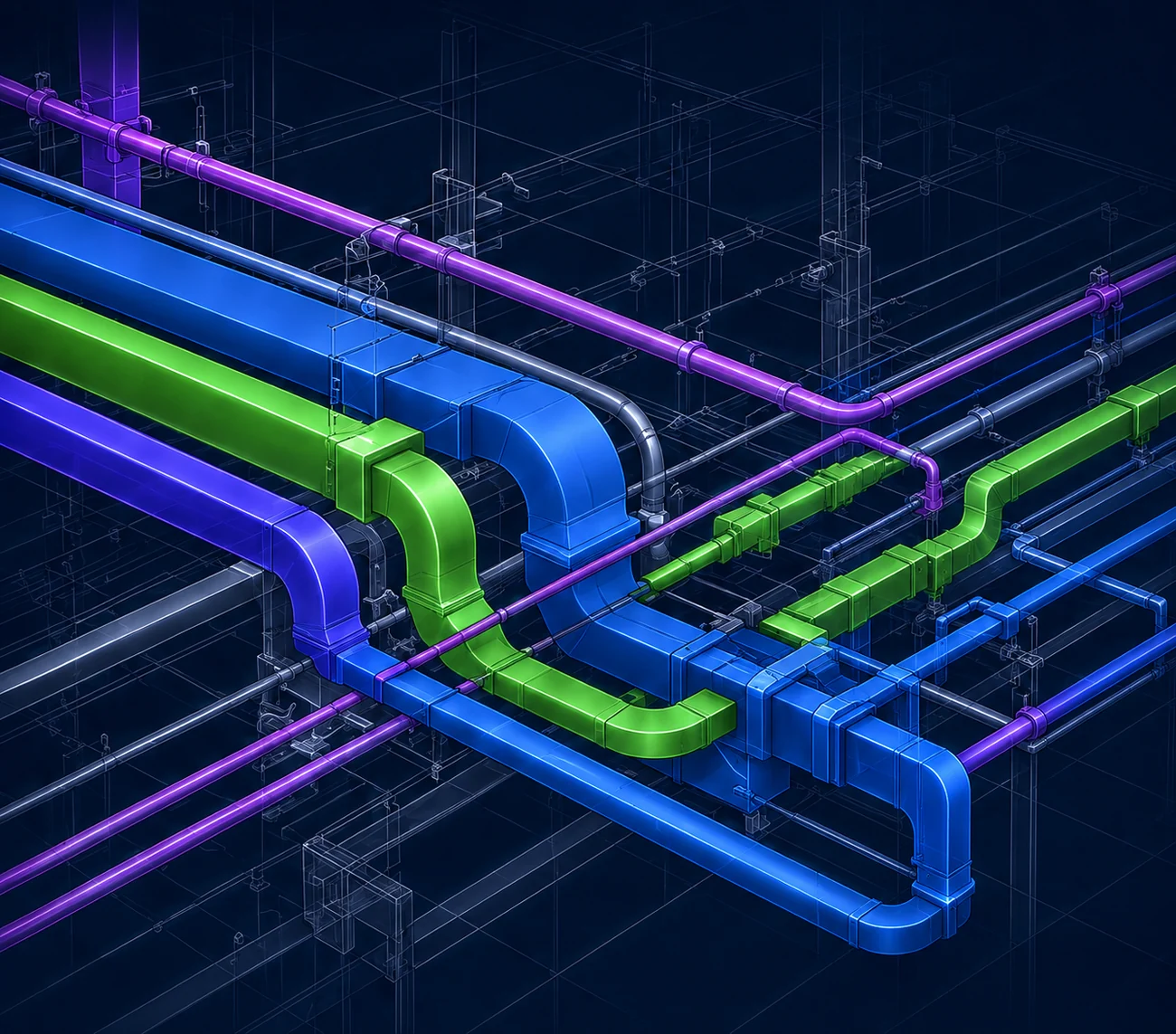
Physical collisions between engineering systems of the building

Insufficient installation and operating clearances

Discrepancies between BIM models and working drawings

Engineering network tracing problems (MEP)

Conflicts between architectural, structural and engineering solutions

Practical implementation of project solutions at the facility

The result is not just a list of conflicts, but an agreed design solution that is understandable and usable for consultants, contractors and project owners.

Where it matters most

When is system coordination needed?

System coordination is especially valuable for projects where:

  1. A large number of designers and consultants were involved
  2. The engineering systems of the building are dense and complex
  3. Limited space above ceilings, in mines or technical rooms
  4. Integrated complex systems of HVAC, electricity, water supply, fire extinguishing and building automation
  5. Coordination errors can lead to significant rework
  6. Construction is being carried out in several phases
  7. It is necessary to reconcile the models created in different software platforms
  8. Agreed working drawings are required for construction
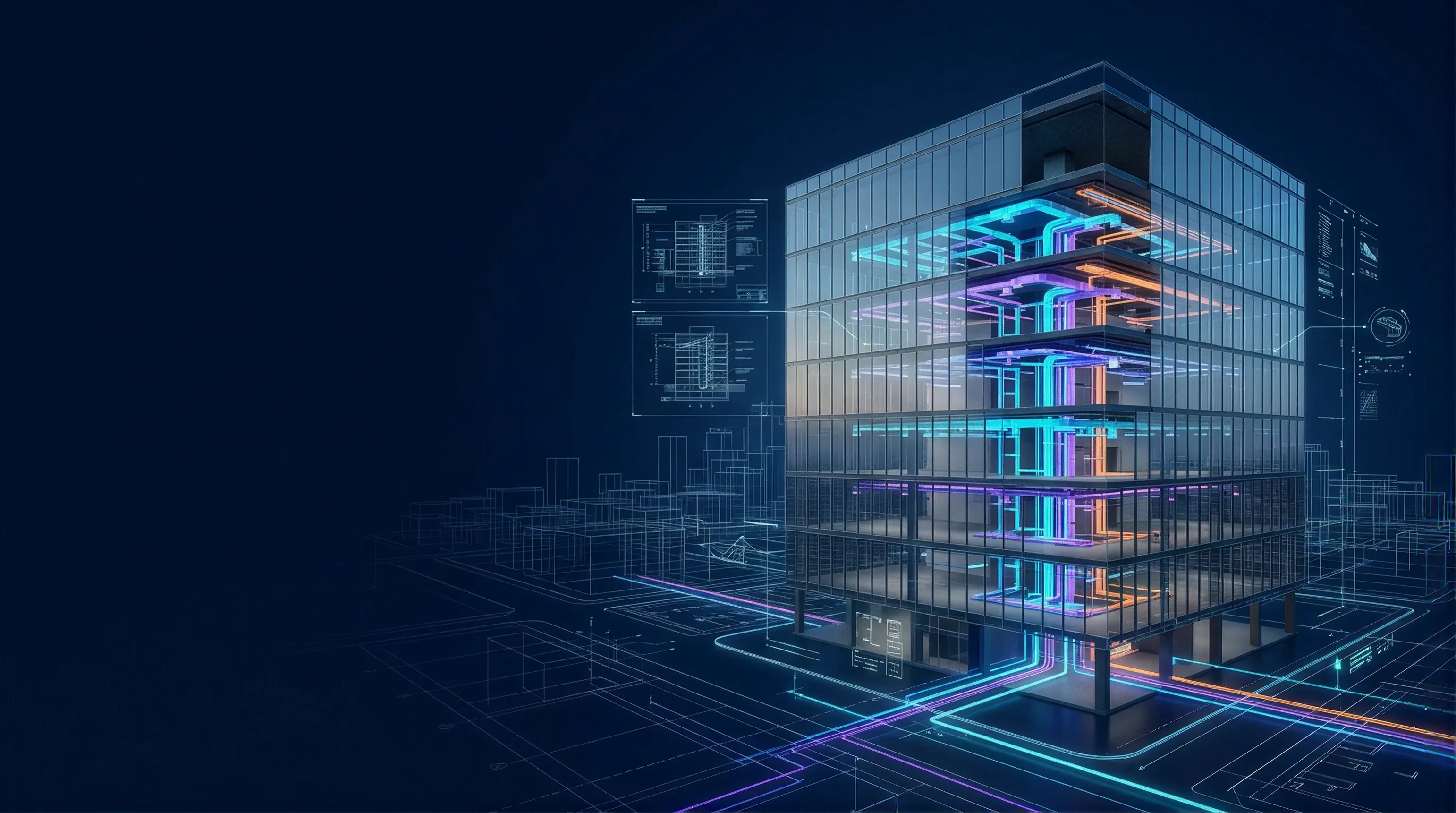
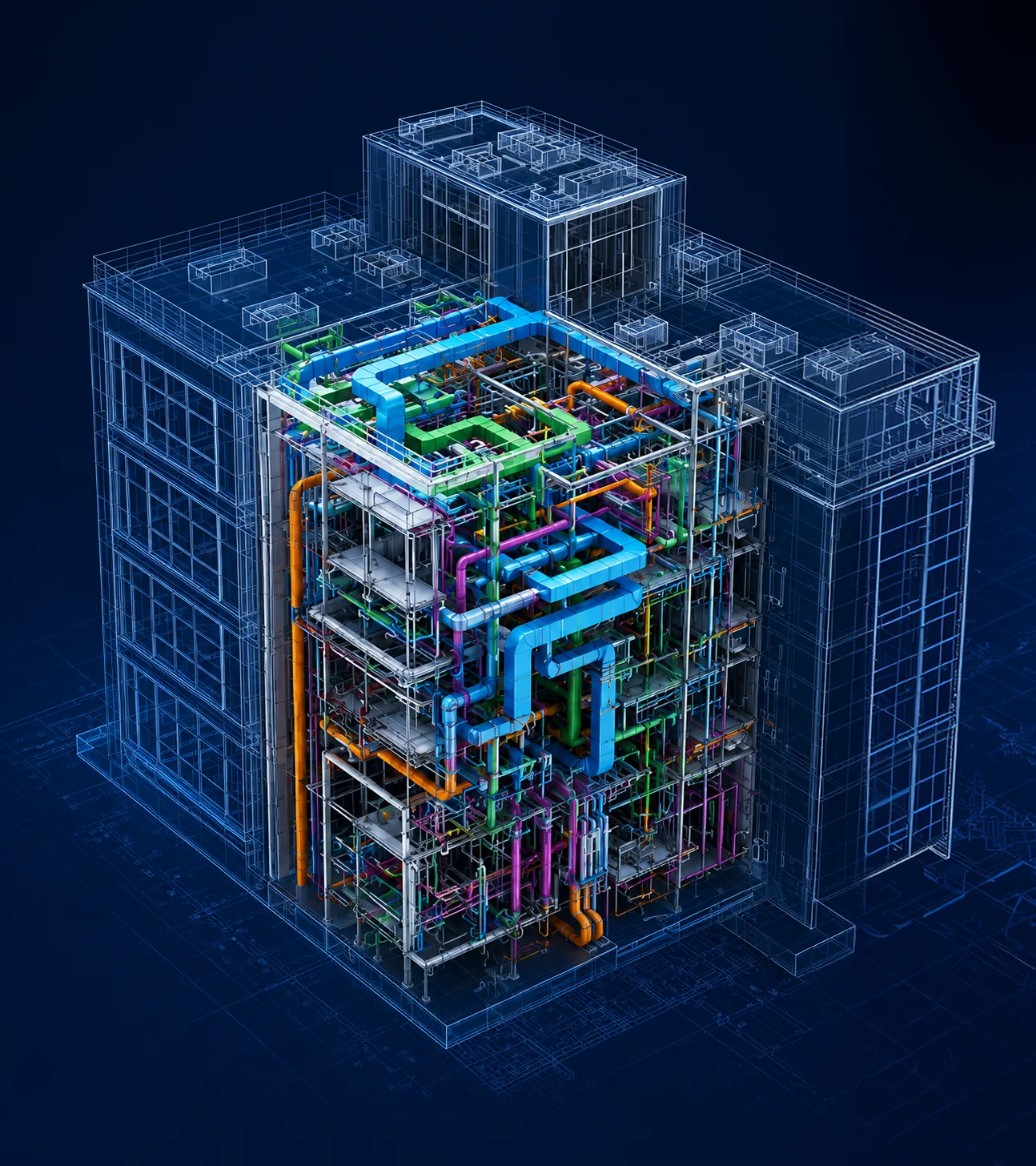
Federated BIM model of a building with engineering systems

BIM coordination provides the greatest value for:

  • Health care facilities
  • Industrial enterprises
  • Data centers
  • Logistics hubs
  • Infrastructure projects
  • Large residential and multifunctional complexes
  • Office buildings
  • Public buildings

Process

How the coordination of and Ziggurat systems works

01. Receipt of models and initial inspection

After receiving the project models, we perform a comprehensive check of all consultant models.

A detailed Status Report is prepared for each discipline, which records coordination and geometric inconsistencies, in particular model deficiencies that require correction by responsible consultants.

This process forms a reliable Planning Baseline and helps avoid unnecessary delays in subsequent coordination cycles.

Receipt of models and initial inspection

Ready to coordinate your project?

See how our engineering process transforms separate consultant models into one coordinated project ready for construction.

Systems coordination is more than finding collisions

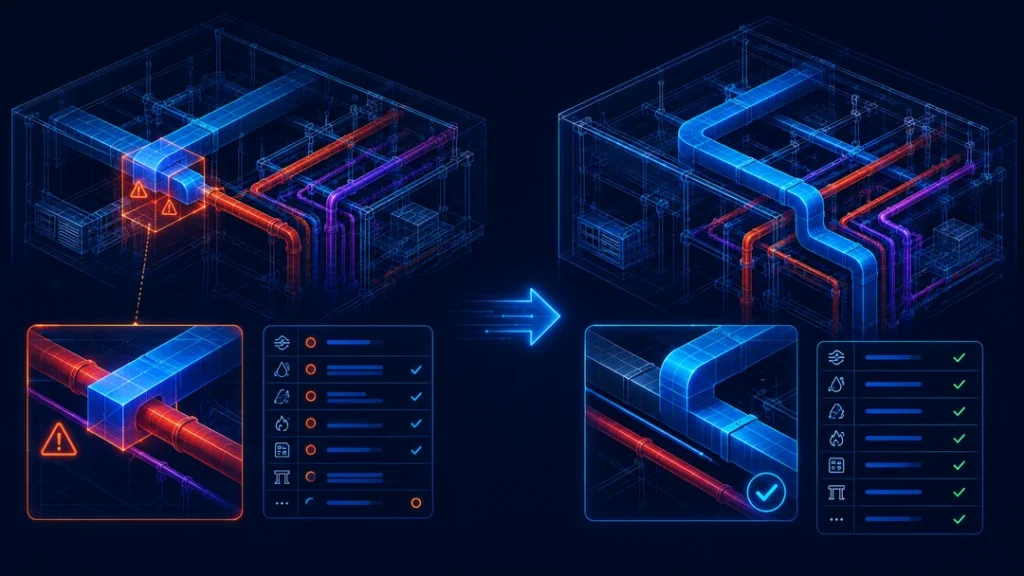
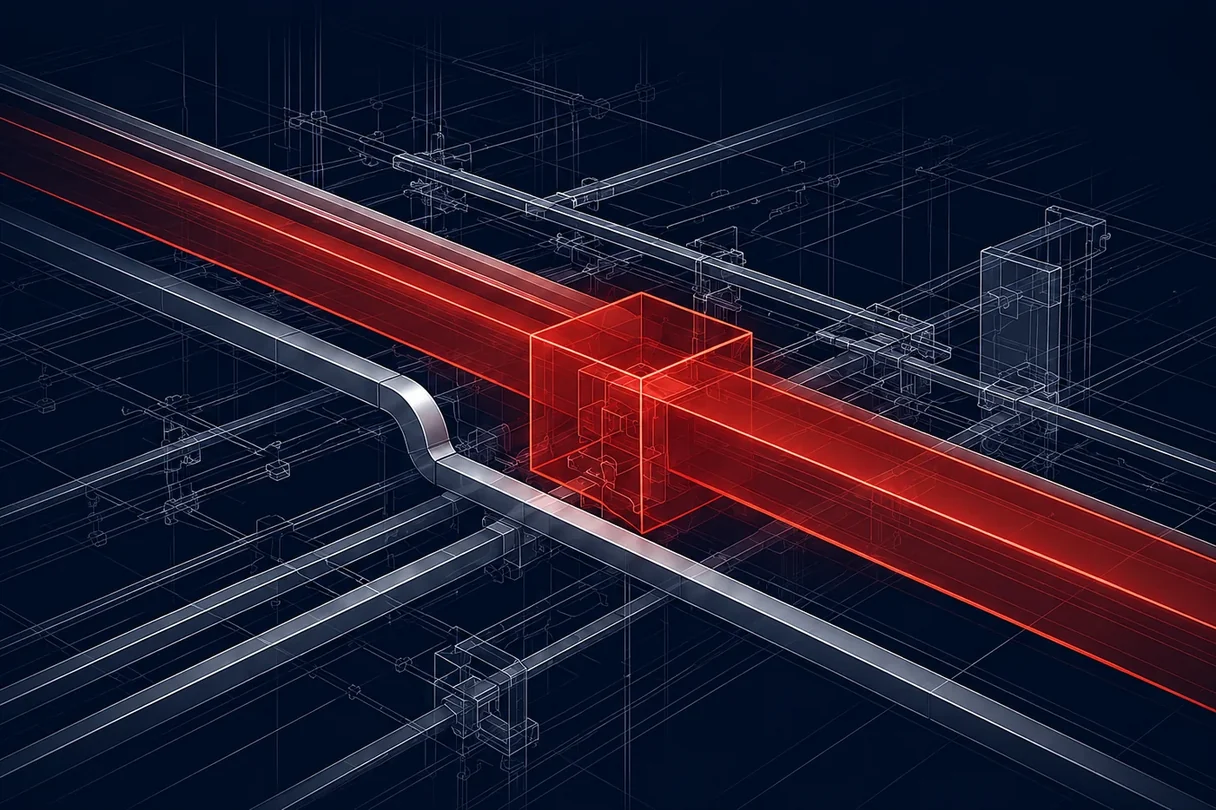
Clash Detection is only one of the stages of the BIM coordination process.

The software automatically finds geometric collisions, but it cannot determine:

  • What engineering system needs to be translated
  • Will it be possible to withstand the desired slope
  • Is there enough space for installation?
  • Whether access will remain for maintenance
  • Does the proposed solution meet the engineering requirements
  • How the change will affect related disciplines
  • Which solution provides the most value for the project as a whole

At Ziggurat, we go much further than collision detection.

We analyze the root cause, evaluate alternative engineering solutions, and develop the most effective coordinated solution for consideration by the project team.

Systems coordination is more than finding collisions
The program automatically finds geometric collisions.

Proposing engineering solutions, not just fixing collisions, is one of the key principles that distinguish Ziggurat's methodology.

Enhanced system coordination capabilities

Enhanced system coordination capabilities

As needed, Ziggurat develops a highly detailed digital project model that supports effective management throughout the building's life cycle.

The model can be used for:

  • Development of project solutions
  • Construction coordination
  • Monitoring of construction progress
  • Operations of the object
  • Service management
  • Future reconstructions and modernizations

This approach extends the value of the BIM model far beyond design and supports informed decisions throughout the entire life cycle of the object.

Cooperation

Successful system coordination requires cooperation

The duration of the BIM coordination process depends not only on the BIM coordinator, but also on how promptly the architects and engineering consultants:

  1. Provide updated models
  2. Consider and approve the proposed solutions
  3. Implement agreed changes to the project
Successful system coordination requires cooperation

That is why, from the very beginning of the project, it is necessary to establish clear areas of responsibility, a schedule for updating models and coordination procedures.

Software and formats

What software and file formats
can be used to coordinate systems?

Ziggurat performs systems coordination for fully developed BIM projects, traditional 2D projects and mixed software environments.

We work with a wide range of project data, including:

BIM models

Autodesk Revit (.rvt)
IFC (.ifc)

CAD drawing

AutoCAD (.dwg)

Additional project platforms

If necessary, we also work with:

Autodesk Navisworks (.nwd, .nwc)
Civil 3D
Tekla Structures
Autodesk Inventor
Autodesk ReCap
Other specialized project formats

To begin the coordination process, all disciplines must submit their latest approved models or drawings in a single project coordinate system.

One of the key advantages of Ziggurat is the ability to coordinate not only Revit-based BIM projects, but also AutoCAD projects.

Using our own parametric 3D modeling methodology, we create coordination models directly from AutoCAD drawings, which allows us to identify conflicts between all engineering systems even before construction begins.

For projects in a mixed environment—for example, where some disciplines work in Revit and others use AutoCAD or IFC—we bring all models and drawings together in one coordinated environment, providing full multidisciplinary BIM coordination.
The lack of a Revit model is not a limitation.

With over 20 years of experience, Ziggurat provides the same high level of BIM coordination for both Revit-based and AutoCAD-based projects.

Transparency

Full transparency of every coordination issue

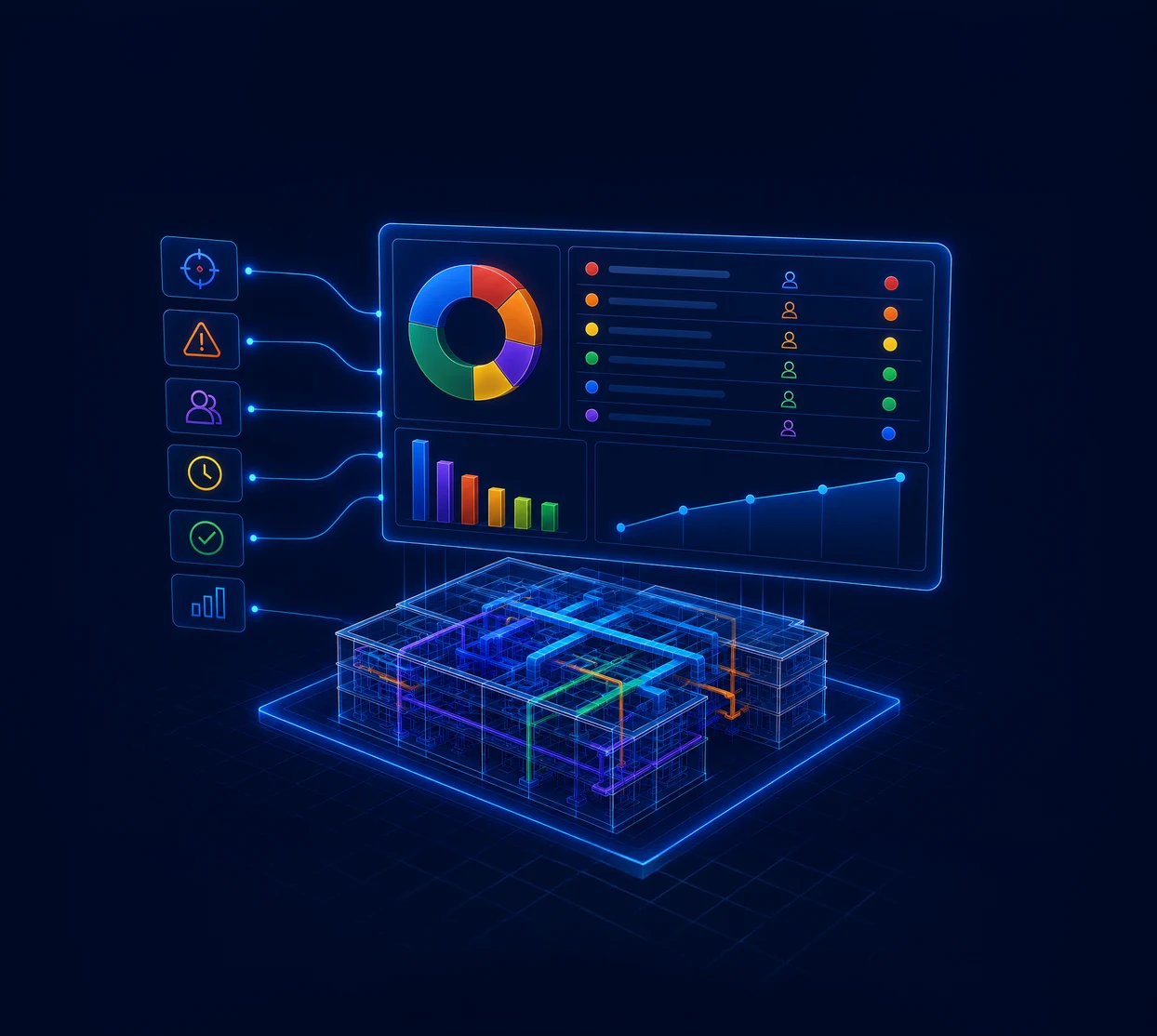
Each significant coordination problem is assigned a clearly defined status, a responsible consultant, and a complete resolution history.

Project managers and clients can easily track:

  • Open problems of coordination
  • Critical collisions
  • Disciplines delaying project progress
  • Decisions awaiting approval
  • Coordination problems are solved
  • Progress achieved for each coordination cycle

As described in the Ziggurat methodology, the Status Report is not just a technical document, but a project management tool that provides full transparency of consultant progress, coordination status, and overall project performance.

FAQ

Frequently Asked Questions

  • The BIM coordination service covers the entire process — from the initial verification of project models to the transfer of agreed documentation ready for construction.

    The process includes:

    • Checking and validating the original models
    • Unification in a federated coordination model
    • Search for collisions (Clash Detection)
    • Analysis of space and manufacturability of installation
    • Evaluation of alternative engineering solutions
    • Coordination between consultants of different disciplines
    • Iterative cycles of coordination
    • Preparation of final models, drawings and reports

    Coordination drawings

    After agreeing on engineering systems, we prepare documentation ready for construction, which may include:

    • Coordination plans
    • Sections
    • Enlarged views of complex areas
    • MEP layout diagrams
    • Drawing holes and penetrations
    • Coordination drawings of technical premises
    • Floor coordination drawings
    • Print-ready drawings for site work
  • Collision detection is only one stage of coordination. The program automatically finds geometric intersections, but cannot determine which system needs to be translated, whether it will be possible to withstand the required slope, or whether there will be enough space for installation and maintenance. We analyze the root cause, evaluate alternative engineering solutions, and propose the most effective agreed upon solution for the project team's consideration.

  • It reduces project risks, protects the budget, prevents expensive revisions and speeds up implementation: mistakes are made at the design stage, not at the site. At the same time, transparency increases - the status of each issue, the responsible consultant and the full history of the solution are available to the team and the customer.

  • Yes. We work with fully developed BIM projects, with traditional 2D projects, and with mixed software environments. For projects in AutoCAD, we use our own methodology of parametric 3D modeling - a complete migration to Revit is not required for this.

  • Coordinated federated model, conflict reports and resolution status, and construction-ready coordination drawings: plans, sections, enlarged views of complex sites, MEP layout diagrams, hole and passage drawings, technical room coordination drawings and floor plans.

  • The authors of the respective sections — architects and engineering consultants — make changes to their models. We identify the problem, analyze the root cause, propose an agreed engineering solution and accompany it to approval; after that, the consultant makes changes to his model.

  • The duration depends not only on the BIM coordinator, but also on how quickly the consultants provide updated models, review and agree proposed solutions and implement agreed changes. That is why, from the very beginning of the project, it is necessary to establish clear areas of responsibility, a schedule for updating models and coordination procedures.

  • The number of cycles depends on the complexity of the object, the number of disciplines and the density of engineering systems. Each cycle ends with a progress report, so the team can see how many issues have been closed and what remains to be done.

  • Architectural, Structural and Engineering (MEP) Sections: Heating, Ventilation and Air Conditioning, Electrical, Water and Sewerage, Fire Suppression, and Building Automation.

  • Yes. In addition to the geometric intersections, we check whether there is enough space for installation and subsequent maintenance, whether the required slopes are maintained and whether access to the equipment remains.

  • The cost depends on the area and complexity of the object, the number of disciplines and models, the required depth of processing and the volume of coordination documentation. We give an accurate estimate after getting acquainted with the source materials of the project.

  • Yes. The lack of a Revit model is not a limitation. We work in a mixed environment and, if necessary, create parametric 3D models ourselves based on the provided 2D drawings - there is no need to transfer the entire project to Revit.